|
Split-Image / Micro-Prism Focusing screen function explaim:
A. MF-Lens:Using the manual focusing lens can assistance focusing.
B. AF-Lens:
- Can check from the viewfinder window whether AF focus is accurate or not.
- When Auto focus Fails can assistance focuse:
- Low contrast / Solid color subjects.
- Extremely backlit and reflective subjects.
- Overlapping near and far objects.
- Repetitive patterns.
| Screens style |
Picture |
The camera of using |
Central Construct |
Matte |
Note |
| Ec-A |

|
CANON 1Ds/1D/1DMK2/MK3/1Dx |
Micro Prism |
Precision Matte
|
Canon Made |
| Ec-B |
|
CANON 1Ds/1D/1DMK2/MK3/1Dx |
Split-image |
Precision Matte
|
Canon Made |
| Ec-L |
|
CANON 1Ds/1D/1DMK2/MK3/1Dx |
Cross Split-image |
Precision Matte
|
Canon Made |
| Ec-R |
|
CANON 1V/1NRS |
Laser Matte
*AF lens uses
|
Laser Matte
*AF lens uses
|
|
| F6-A |
|
NIKON F6 |
Split-image |
New Hexagon Matte |
Nikon Made |
| F6-J |
|
NIKON F6 |
Micro Prism |
New Hexagon Matte |
Nikon Made |
F6-L |
|
NIKON F6 |
45 Degree Split-image |
New Hexagon Matte |
Nikon Made |
| K-3 |
|
NIKON FM3A |
|
Hexagon Matte |
Nikon Made |
| FSB |
|
N |
|
Tradition Matte |
N |
| FSL |
|
|
45 Degree Split-image
Microprism
|
Tradition Matte |
|
| FSX |
|
|
|
Tradition Matte |
|
| A TYPE |
|
CANON |
AF standard matte
*AF lens uses
|
AF standard matte
*AF lens uses
|
Canon Made |
| S TYPE |
|
CANON |
Super precision matte
Eg-S
|
Super precision matte |
Canon Made |
Various focusing screens focuses image :
1.Ec-A Focusing Screen
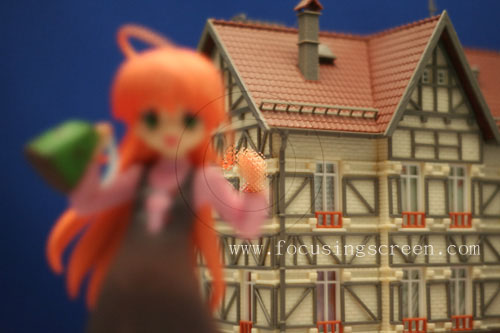
<P.1>Lost focus image.
(The focus in the house of back.)
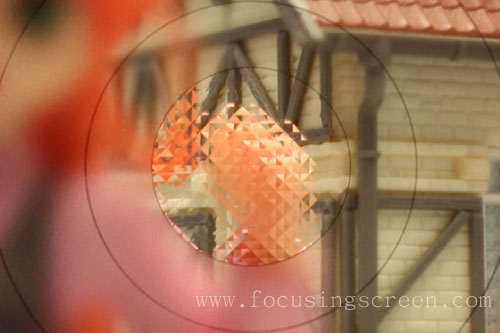
<P.2>The central image enlarges.
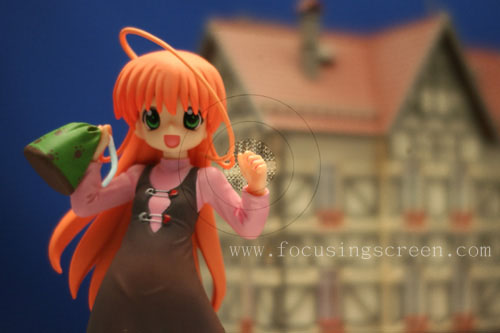
<P.3>Focus Image
(The focus in the hand.)
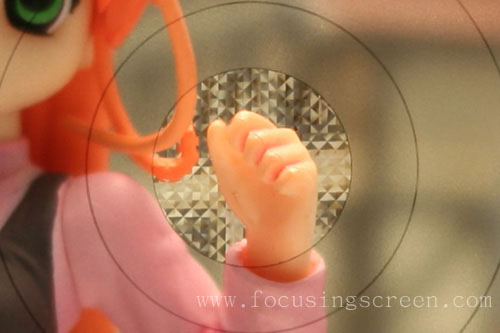
<P.4>The central image enlarges.
2.Ec-B Focusing Screen
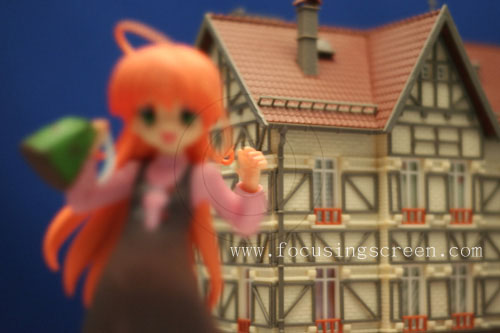
<P.1>Lost focus image. (The focus in the house of back.)
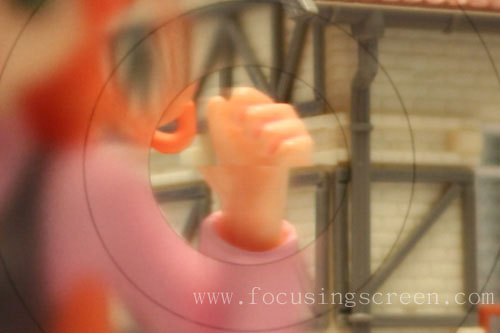
<P.2>The central image enlarges.
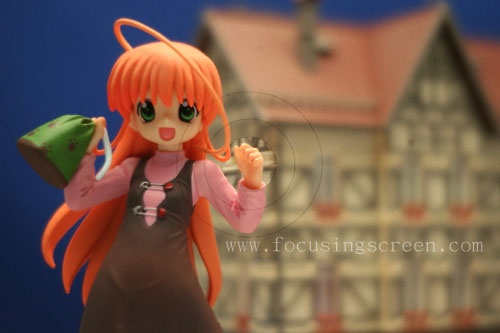
<P.3>Focus Image (The focus in the hand.)
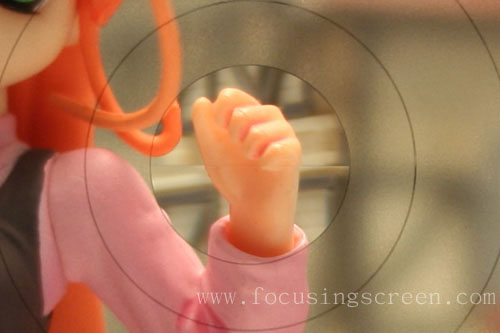
<P.4>The central image enlarges.
3.Ec-L Focusing Screen
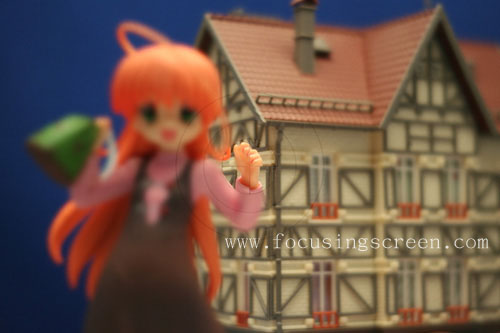
<P.1>Lost focus image. (The focus in the house of back.)
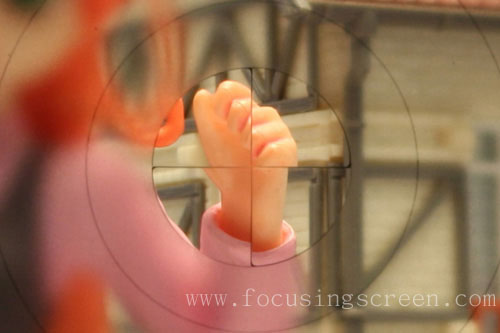
<P.2>The central image enlarges.
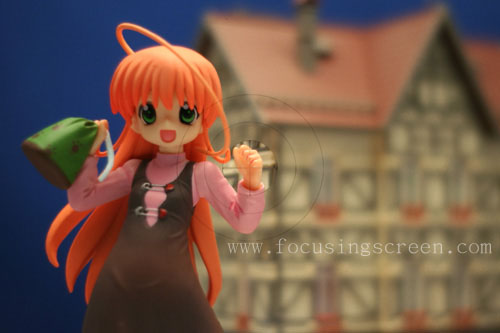
<P.3>Focus Image (The focus in the hand.)
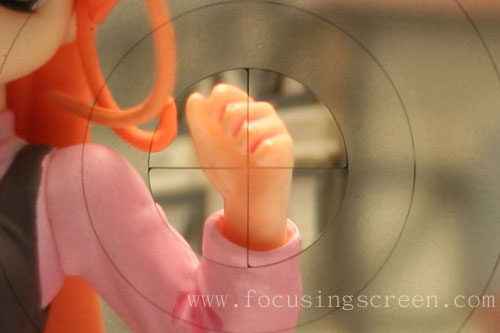
<P.4>The central image enlarges.
4.Ec-R Focusing Screen
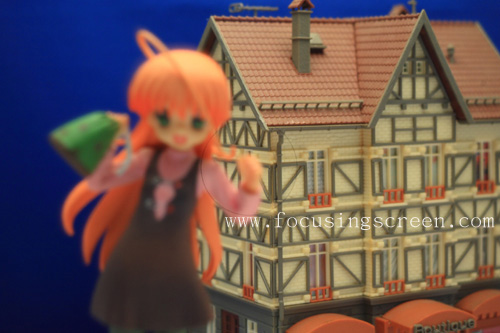
<P.1>Lost focus image. (The focus in the house of back.)
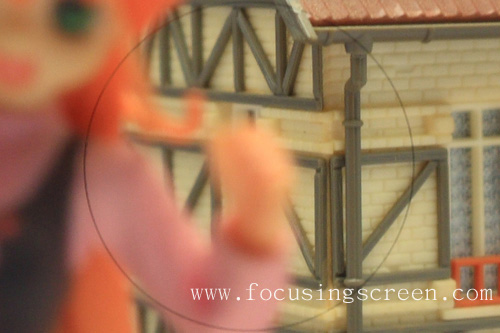
<P.2>The central image enlarges.
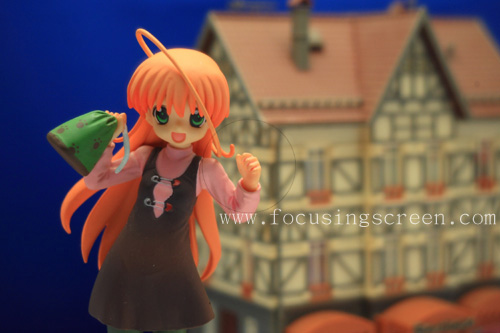
<P.3>Focus Image (The focus in the hand.)
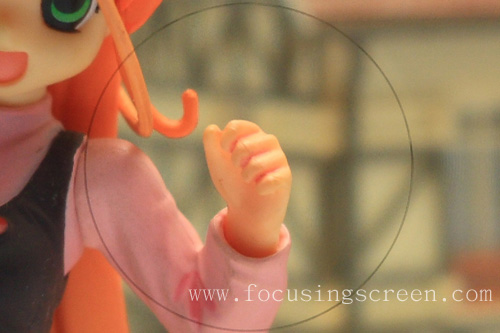
<P.4>The central image enlarges.
5.F6-A Focusing Screen
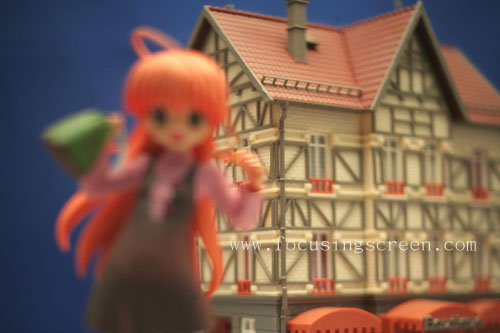
<P.1>Lost focus image. (The focus in the house of back.)
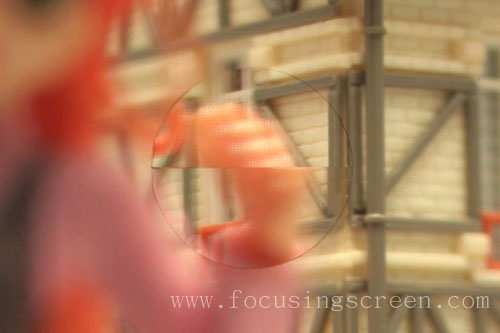
<P.2>The central image enlarges.

<P.3>Focus Image (The focus in the hand.)
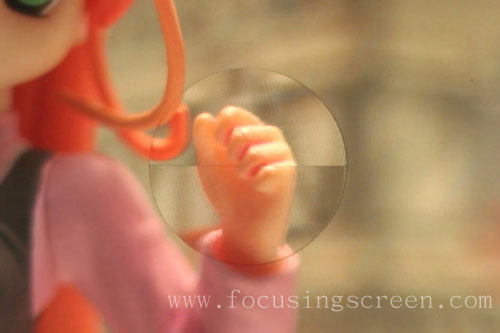
<P.4>The central image enlarges.
6.F6-J Focusing Screen
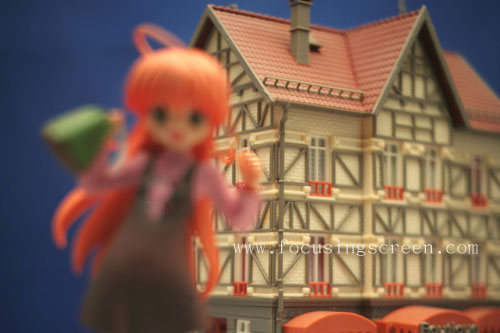
<P.1>Lost focus image. (The focus in the house of back.)
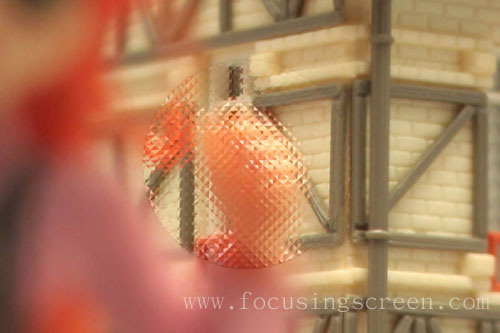
<P.2>The central image enlarges.
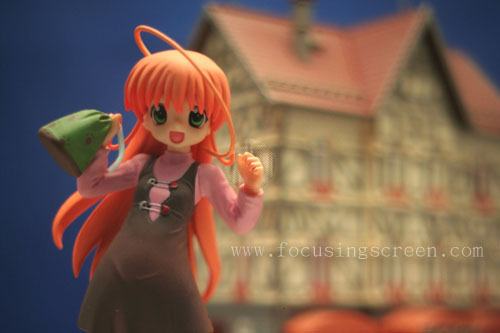
<P.3>Focus Image (The focus in the hand.)
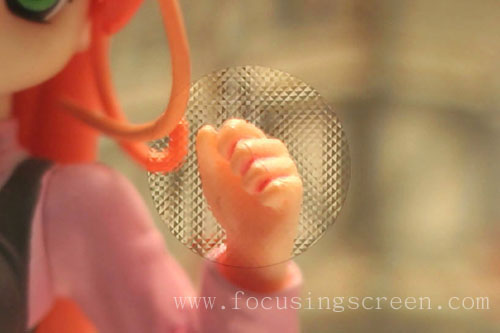
<P.4>The central image enlarges.
7.F6-L Focusing Screen
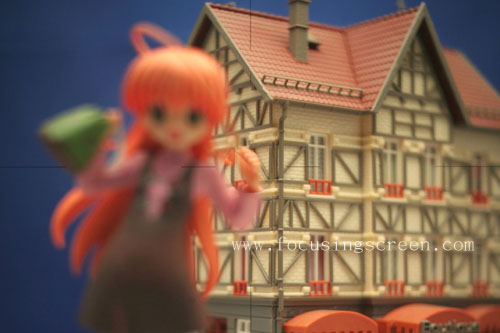
<P.1>Lost focus image. (The focus in the house of back.)
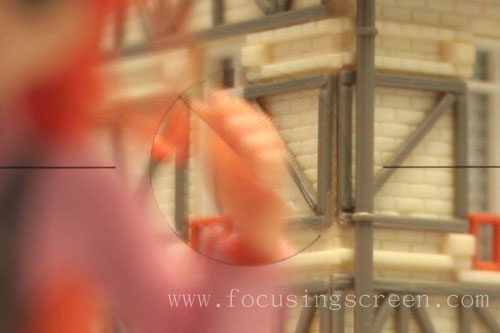
<P.2>The central image enlarges.
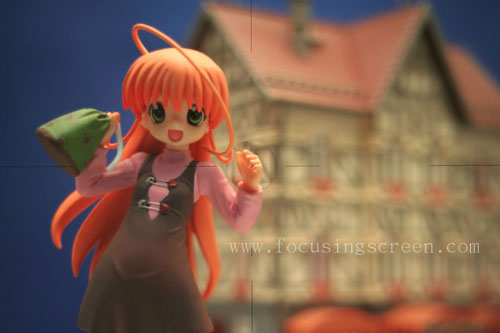
<P.3>Focus Image (The focus in the hand.)
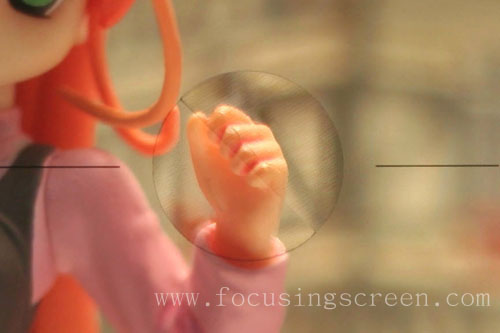
<P.4>The central image enlarges.
8.K3 Focusing Screen
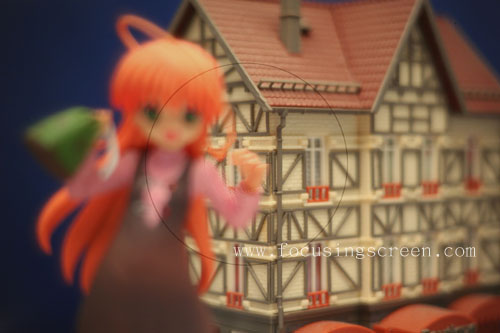
<P.1>Lost focus image. (The focus in the house of back.)
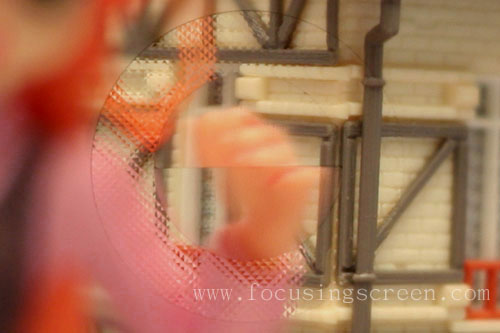
<P.2>The central image enlarges.
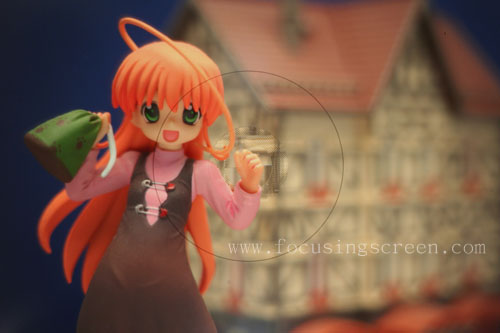
<P.3>Focus Image (The focus in the hand.)
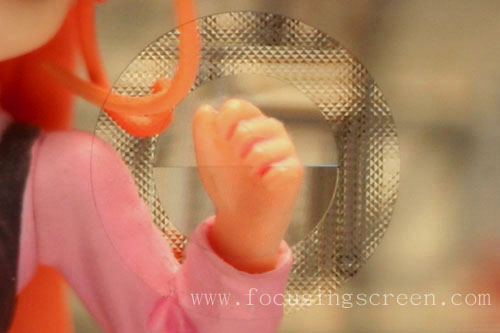
<P.4>The central image enlarges.
9.FSB Focusing Screen
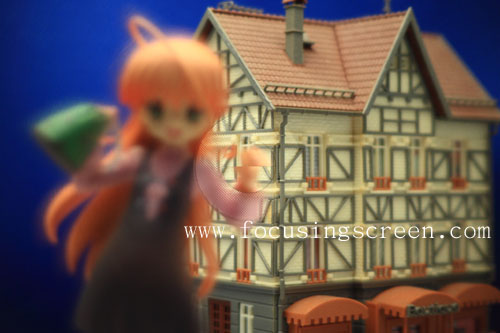
<P.1>Lost focus image. (The focus in the house of back.)
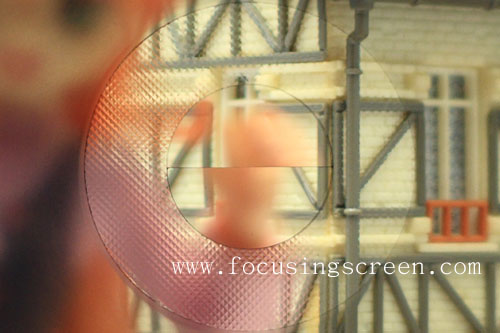
<P.2>The central image enlarges.
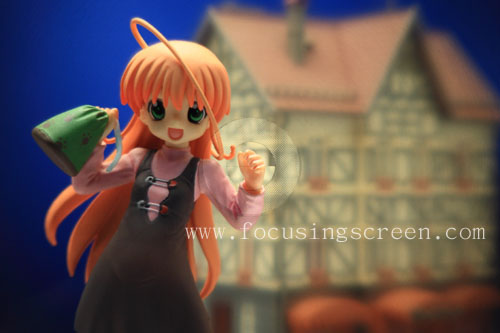
<P.3>Focus Image (The focus in the hand.)
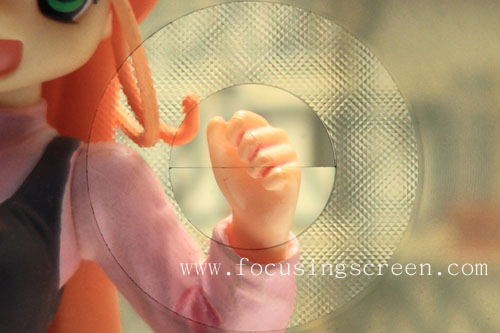
<P.4>The central image enlarges.
10.FSL Focusing Screen
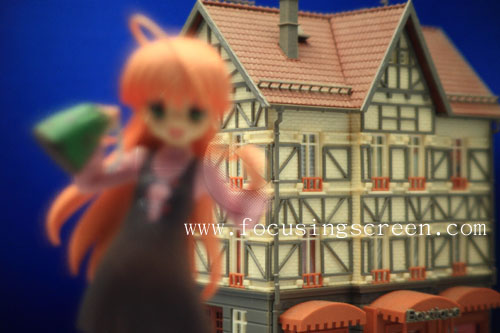
<P.1>Lost focus image. (The focus in the house of back.)
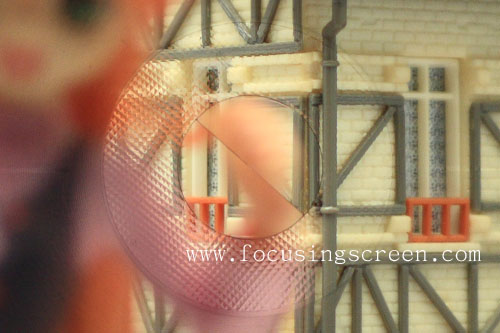
<P.2>The central image enlarges.
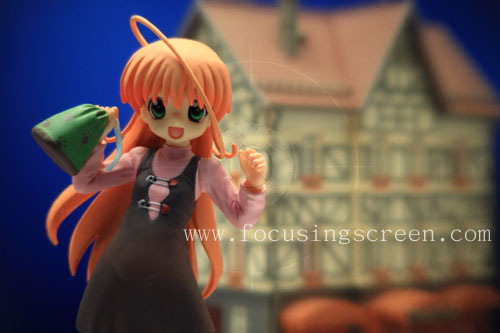
<P.3>Focus Image (The focus in the hand.)
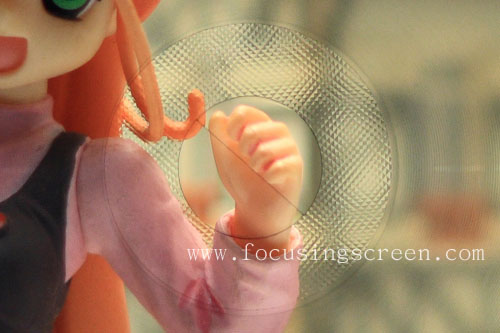
<P.4>The central image enlarges.
11.FSX Focusing Screen
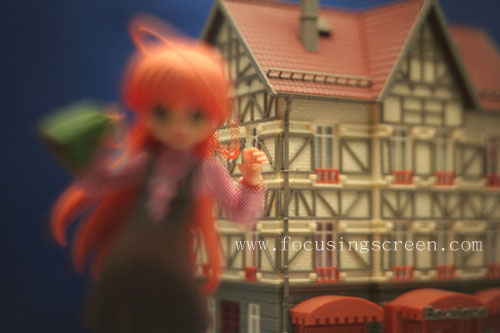
<P.1>Lost focus image. (The focus in the house of back.)
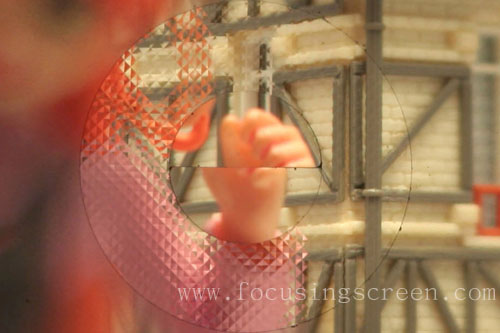
<P.2>The central image enlarges.
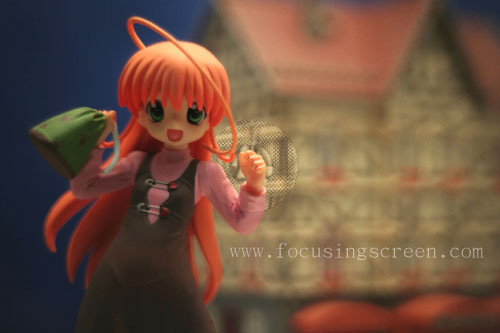
<P.3>Focus Image (The focus in the hand.)
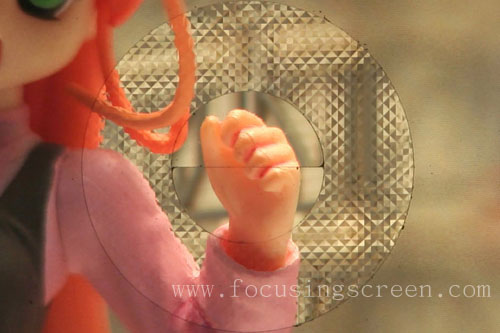
<P.4>The central image enlarges.
12.A Type Focusing Screen
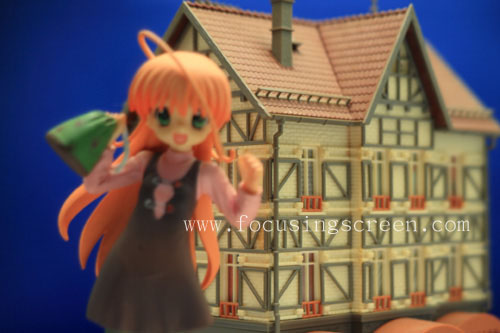
<P.1>Lost focus image. (The focus in the house of back.)
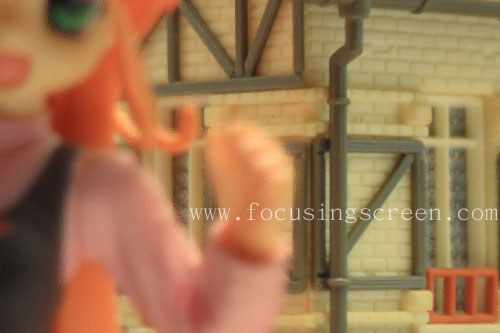
<P.2>The central image enlarges.
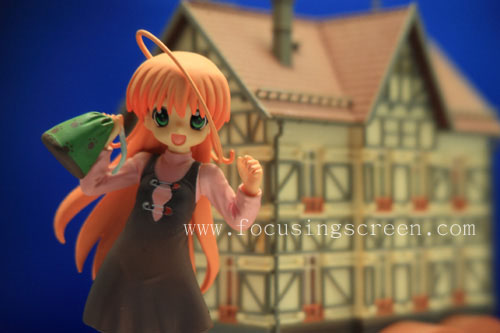
<P.3>Focus Image (The focus in the hand.)
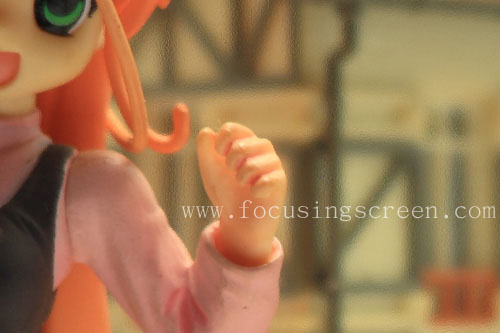
<P.4>The central image enlarges.
13.S Type Focusing Screen
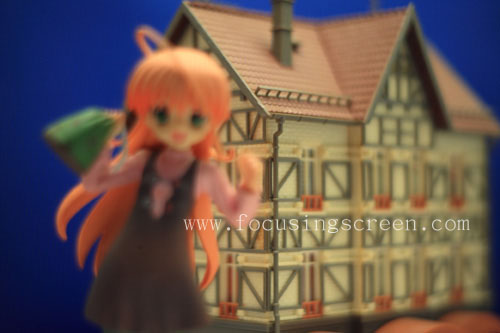
<P.1>Lost focus image. (The focus in the house of back.)
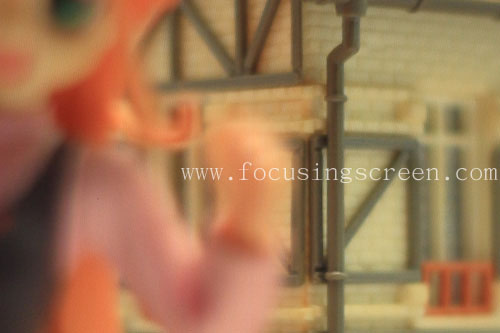
<P.2>The central image enlarges.
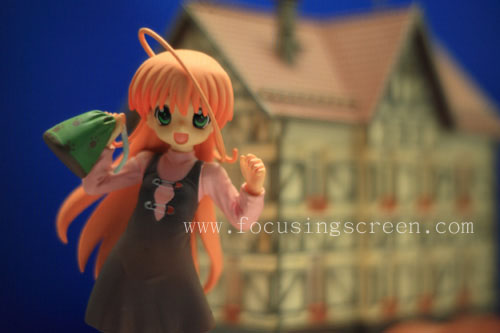
<P.3>Focus Image (The focus in the hand.)
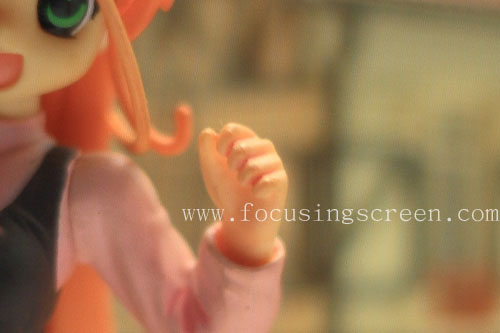
<P.4>The central image enlarges.
|